Possible causes
- Loose or broken charging port
- Battery worn out or swollen
- Faulty charger or cable
- Charging chip on the mainboard
What you can check yourself
- Test another compatible charger
- Check whether the charge LED flickers when you move the plug
- Check battery health with “powercfg /batteryreport” (Windows)
How we fix it
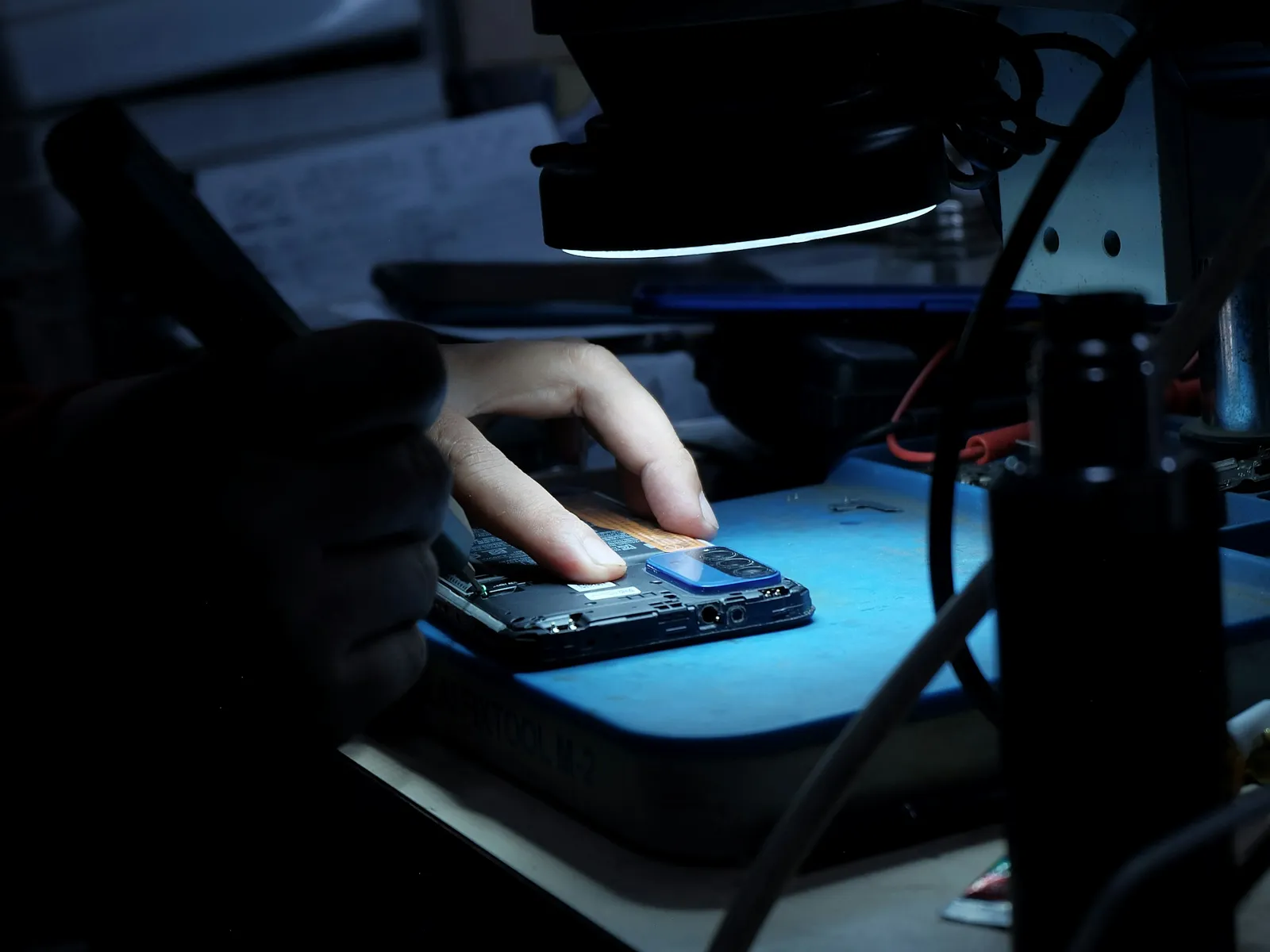
We measure the charger, port and charging circuit, replace the faulty part with a matching spare and then check charging behaviour and battery capacity.
Duration: 2–5 working days (depending on parts) · Warranty: 6 months
FAQ
My battery is swollen – is that dangerous?
Yes. Stop charging, don’t press on it and have it replaced soon. We dispose of the old battery properly.
Last updated: · Reviewed by Tech Nachbar, Sempach
Free diagnosis
You only pay if we repair.
6-month warranty
On parts and labour.
Insured return
With signature, Switzerland-wide.
WhatsApp updates
Always know where your device is.